
Finish the unglamorous work
A useful operator is not a fireworks show. Octopal is built to take a messy request, keep track of the moving parts, run the boring checks, and come back with something you can act on.
The AI agent that gets real work done. Safely.
Octo stays with you. It plans, remembers context, and makes the decisions.
Risky work — browsing, code changes, shell commands, file operations — is handed to short-lived workers that run in isolated containers and disappear when finished.
Real hands. Clear boundaries.
That single decision changes how safe and useful a real agent can be.
Memory, conversation history, browser, shell, filesystem, and private data all live in the same process.
Octo (the long-lived coordinator) holds memory, judgment, and policy. Workers are created only for the current task.
Give the agent real hands. Don’t hand it your whole house.
Octo is the persistent coordinator. It remembers what matters, plans, and decides what to do next.
When a task requires touching the outside world — files, the web, code, shell, or infrastructure — Octo creates a focused worker, gives it only what it needs, and lets it run in isolation. The worker finishes, returns the result, and is removed.
This split is what lets Octopal stay useful and reachable while keeping dangerous or untrusted actions away from the part that holds your context and history.
The promise is concrete: enough hands to be genuinely helpful, enough memory to improve over time, and enough boundaries that you can actually trust it with ongoing work.
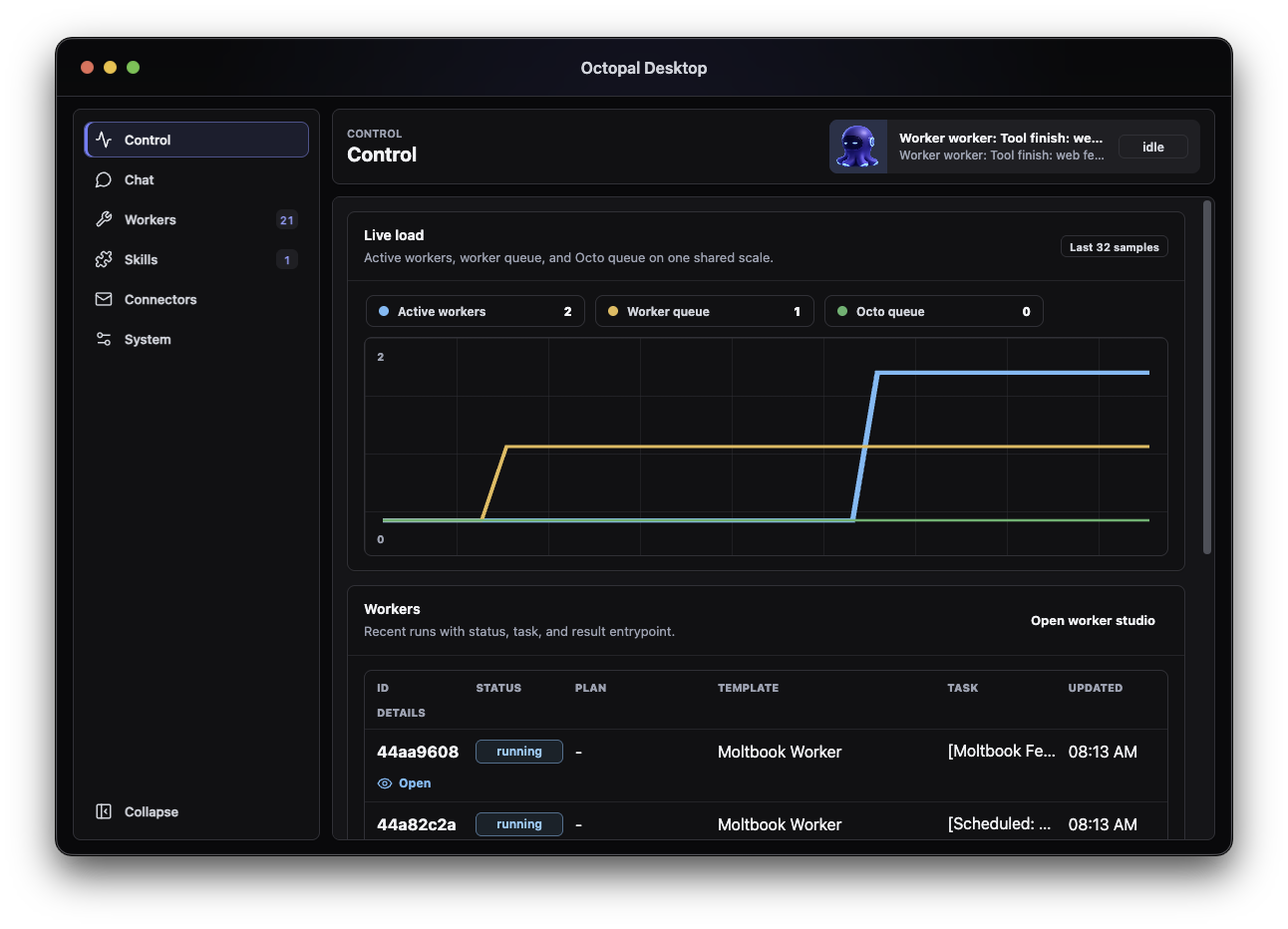
The same split shows up in the product choices: useful action, durable memory, and explicit boundaries belong together.
A useful operator is not a fireworks show. Octopal is built to take a messy request, keep track of the moving parts, run the boring checks, and come back with something you can act on.
Octopal does not treat every old message as sacred truth. It keeps the recent thread close, retrieves old work when it matters, and separates stable lessons from facts that may have changed.
Octopal can browse, inspect files, run tools, work on repos, call services, and ask specialists for help. The important part is that those actions do not all happen inside the same trusted brain.
Channels, dashboard access, peer agents, and remote control surfaces are designed to be explicit. If something gets access, it should be because you meant it.
Octopal is useful because it is not one trick. It can be the quiet assistant in your messenger, the local operator on your desktop, the scheduled maintenance loop on a VPS, and the coordinator that sends the right specialist into the right mess.
Desktop for setup, Telegram or WhatsApp for daily life, WebSocket for custom clients, and a dashboard when you want to see the machinery.
Weekly repo reviews, operational checks, reminders, background reports, and hygiene loops can run without waiting for you to remember the schedule.
When a task needs the web, Octopal can send out a researcher, gather sources, bring back the useful answer, and keep only the lessons worth carrying forward.
Code changes, test runs, release notes, security checks, bug hunts, deploy diagnostics, and repo archaeology are separate jobs, not one giant prompt.
Other agents can call in as named peers, but they do not get a magic back door. Each peer has an identity, a token, and a narrow set of things it is allowed to send.
Workers, logs, gateway health, service state, update requests, and fallback modes are visible. If Octopal claims something happened, the runtime should be able to show evidence.
Octopal ships with a bench of default workers for research, code, tests, releases, incidents, databases, files, security, and writing. When a job does not fit the bench, it can shape a new worker around that task instead of forcing everything through one generic prompt.
Bigger work can become a small team. Workers can form orchestration groups where one investigates, one edits, one tests, one checks risk, and one turns the result into something readable while Octo keeps the group pointed at the goal.
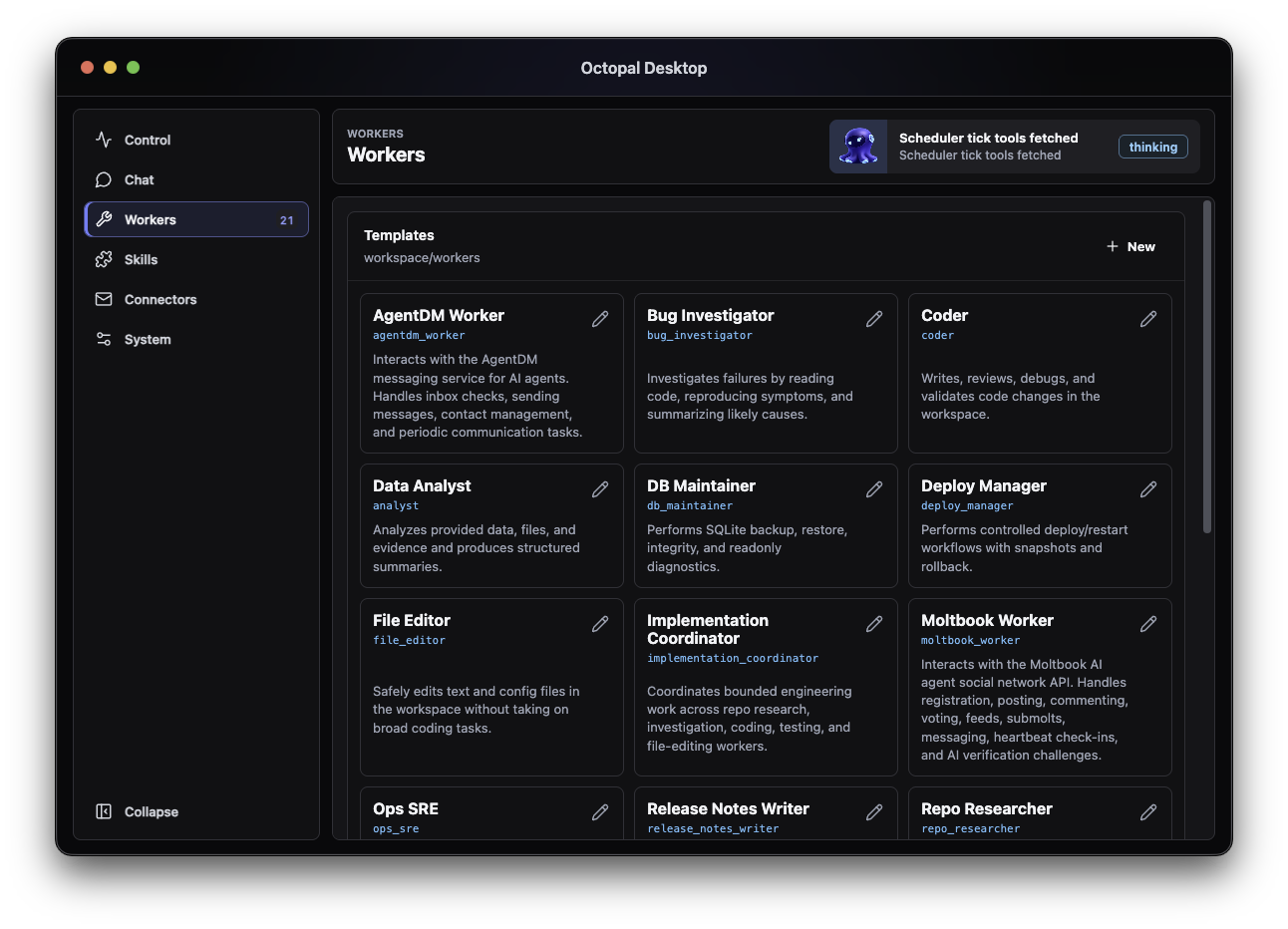
The workers normally run in isolated containers that disappear after the task. They return only the useful signal back into the system, filtering prompt-injection bait, noisy artifacts, and anything the main brain does not need to absorb.

Octo
Understands the goal, keeps the user context, and chooses a safer specialist path.
Research Orchestrator Worker
Splits the request, assigns tasks, watches quality, and merges only the useful signal.
Web Research Worker
Maps credible references and ignores low-signal bait.
Web Research Worker
Cross-checks facts before they reach the main context.
Web Research Worker
Returns concise findings, not the whole noisy page.
Octopal does not try to remember everything equally. That is how agents become haunted by stale facts. It keeps different kinds of memory in different places, so a preference, a lesson, a current setting, and a temporary handoff do not get mashed into the same fog.
Octopal keeps the current conversation close, including what workers just found, so the thread stays coherent.
When older context matters, Octopal searches for the useful pieces instead of replaying your entire history.
Important decisions, preferences, and mistakes become working knowledge instead of disappearing into chat logs.
Some facts expire. Octopal tracks current state separately so yesterday's setup does not pretend to be today.
If context gets reset, Octopal leaves a compact note: goal, progress, blockers, and the next move.
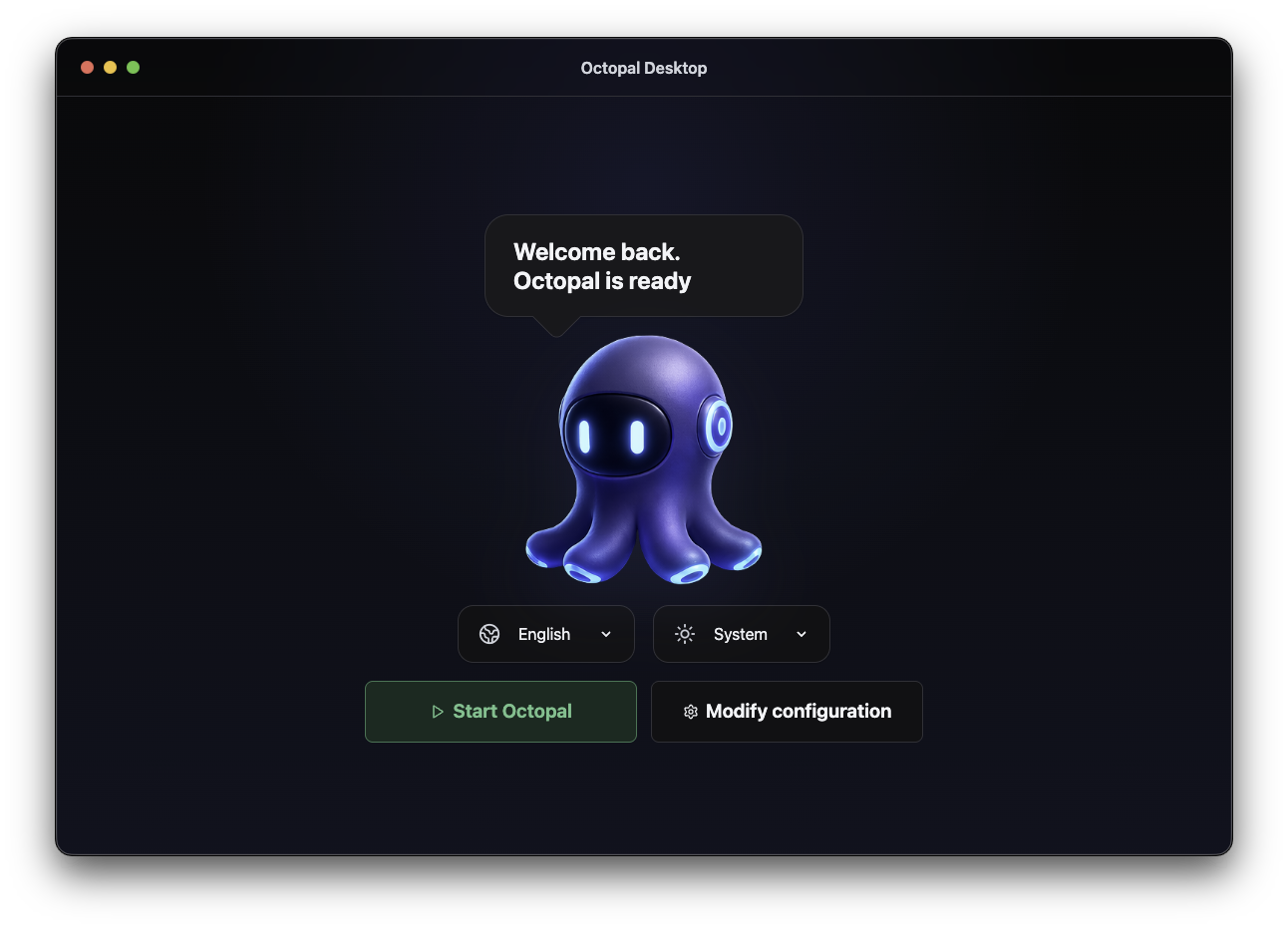
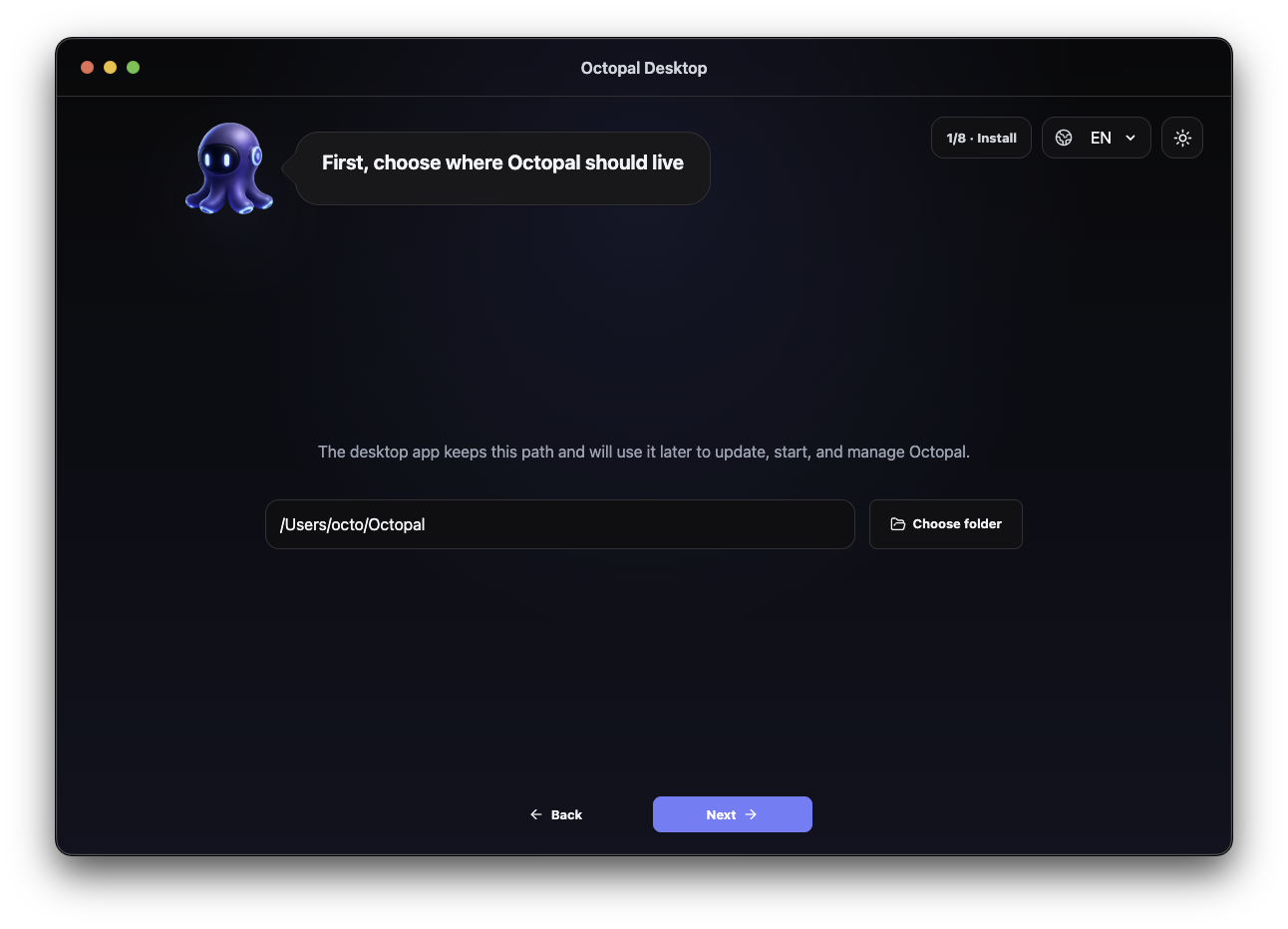
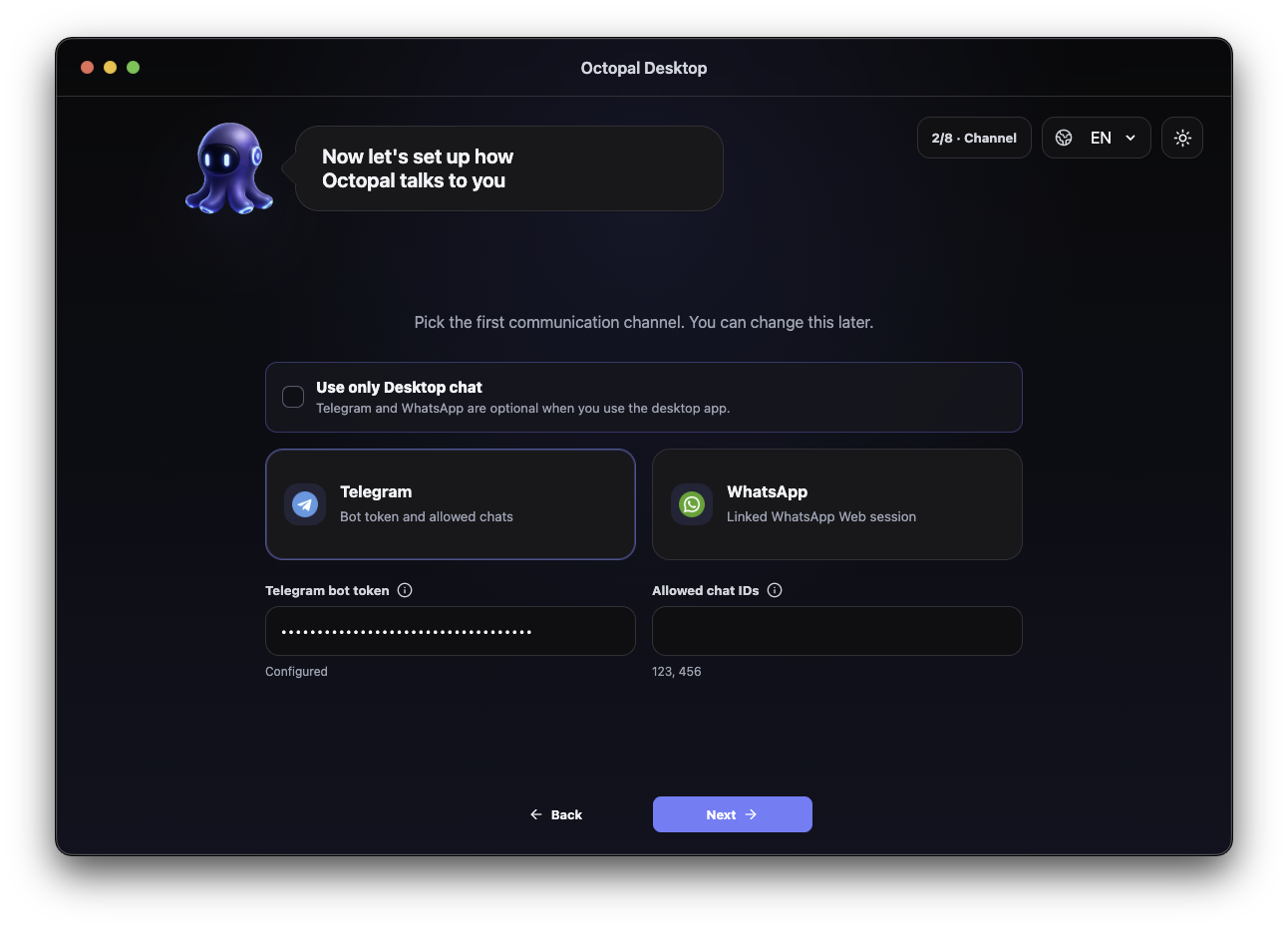
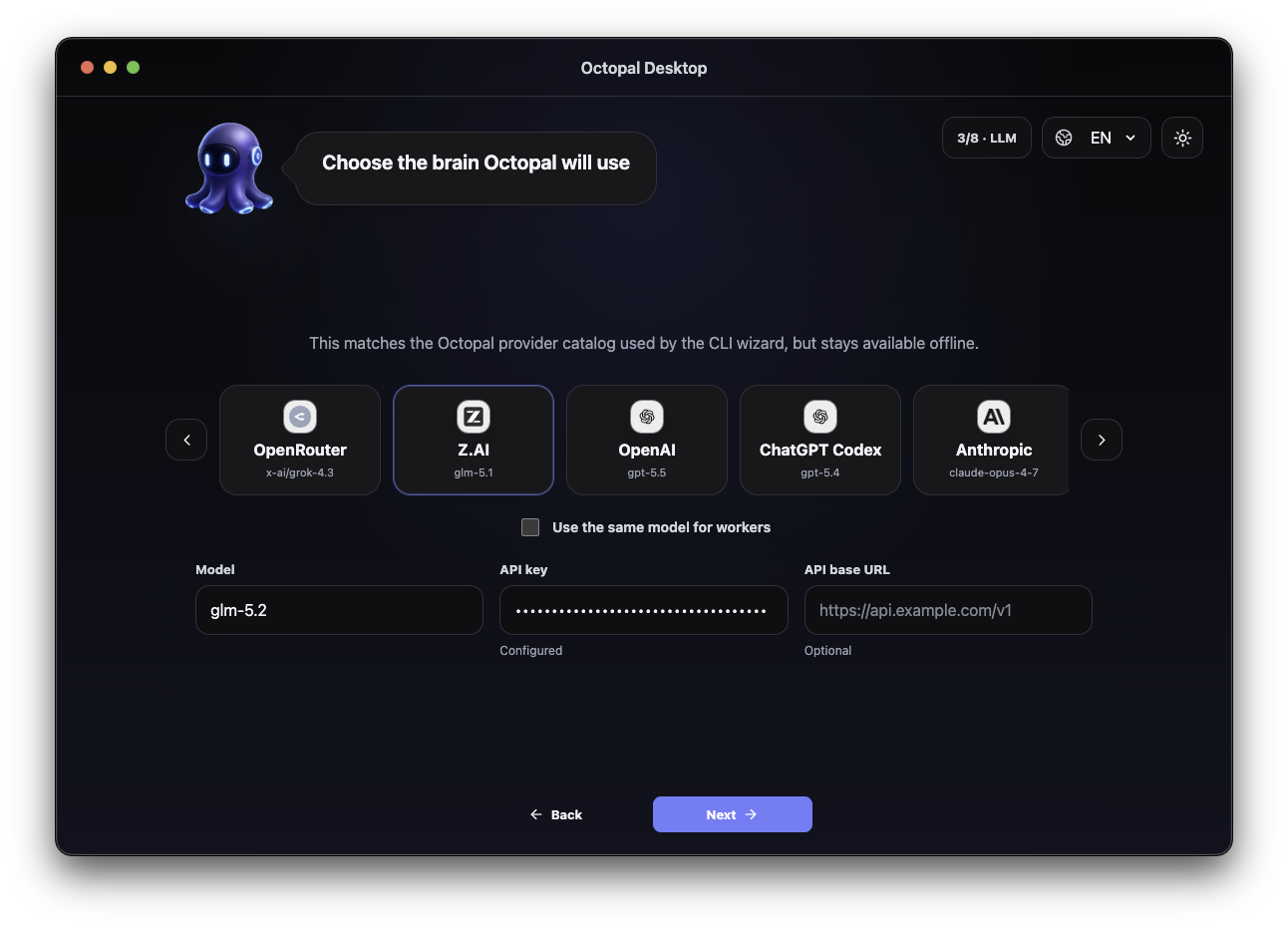
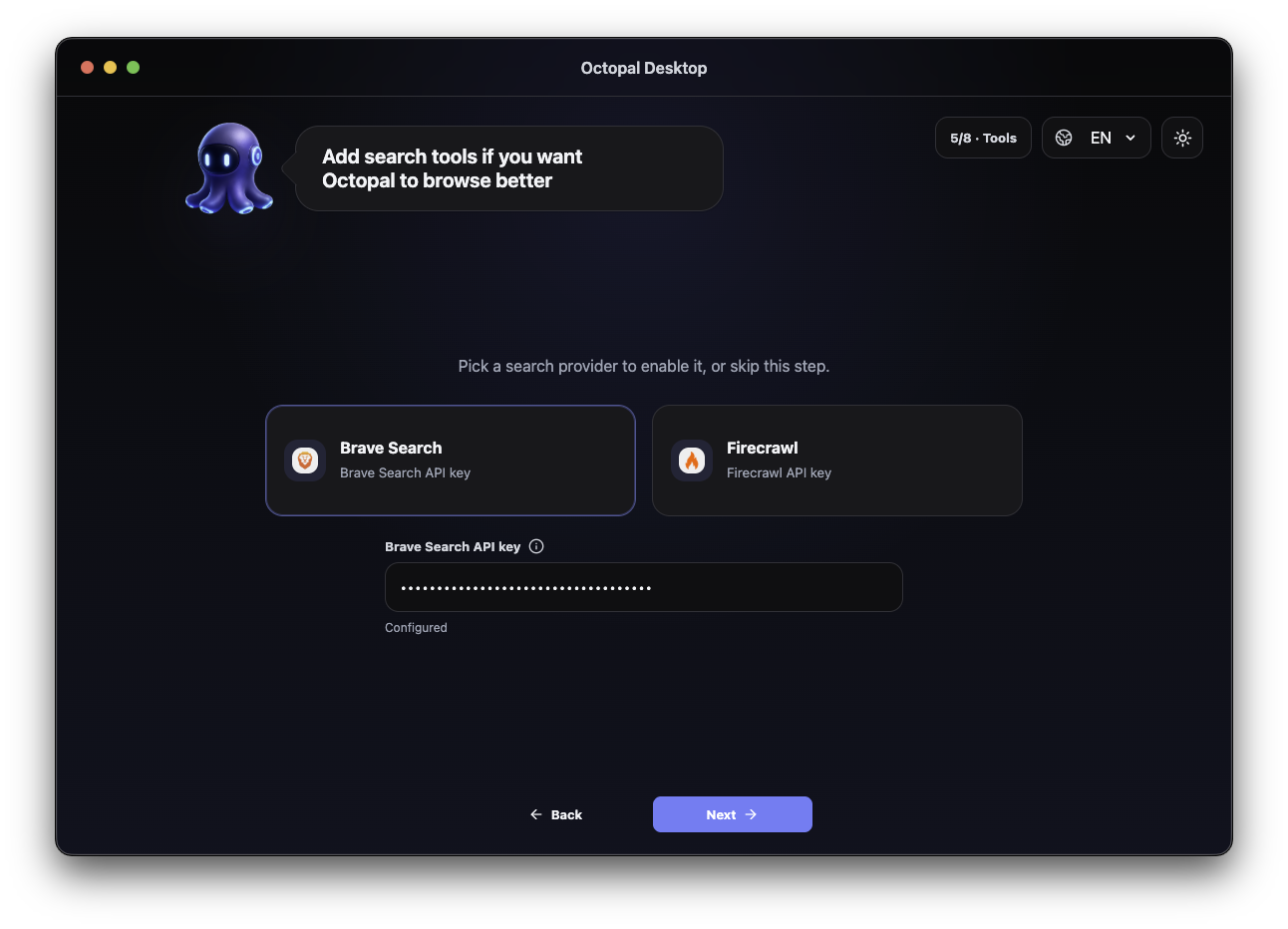
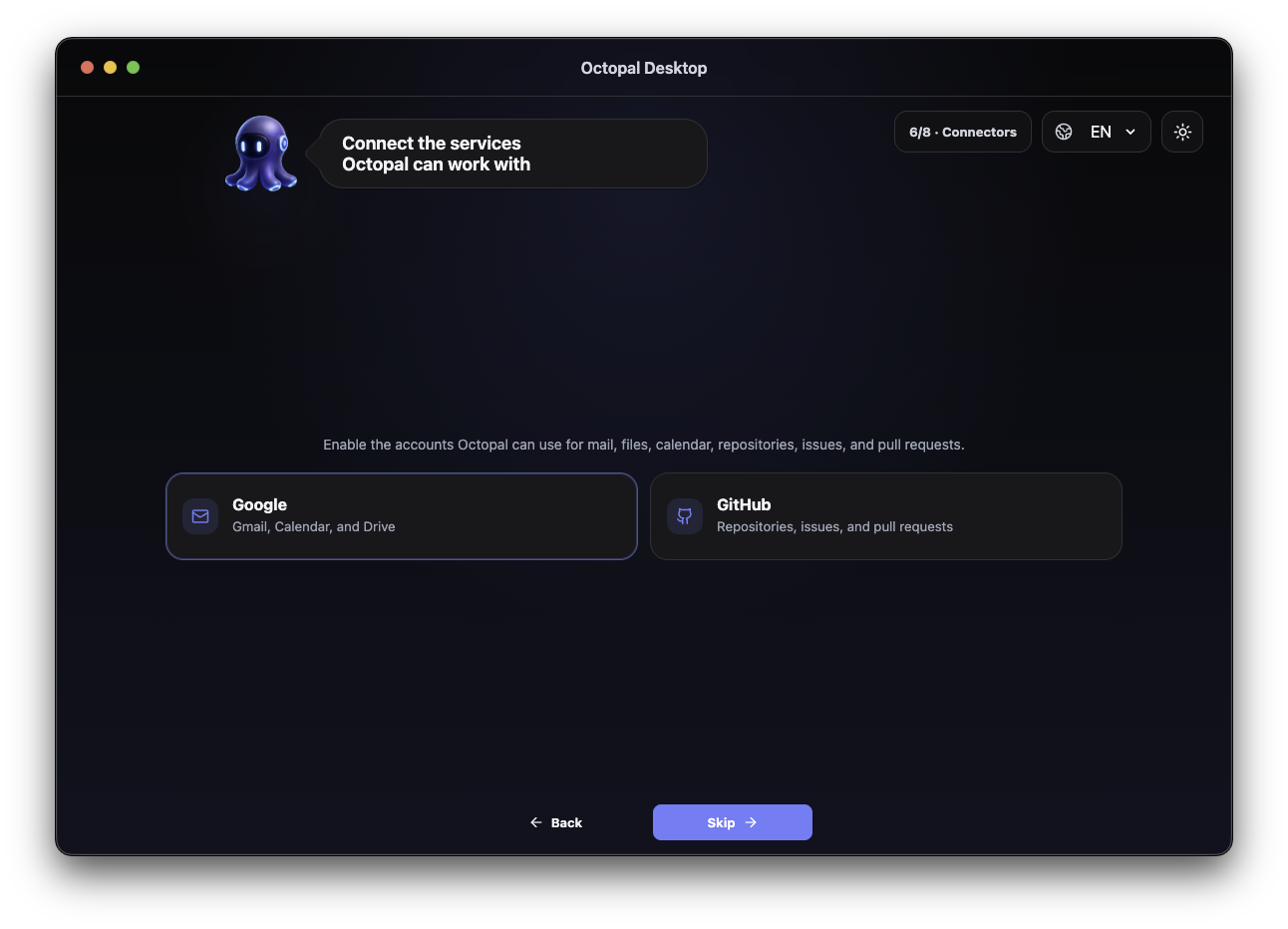
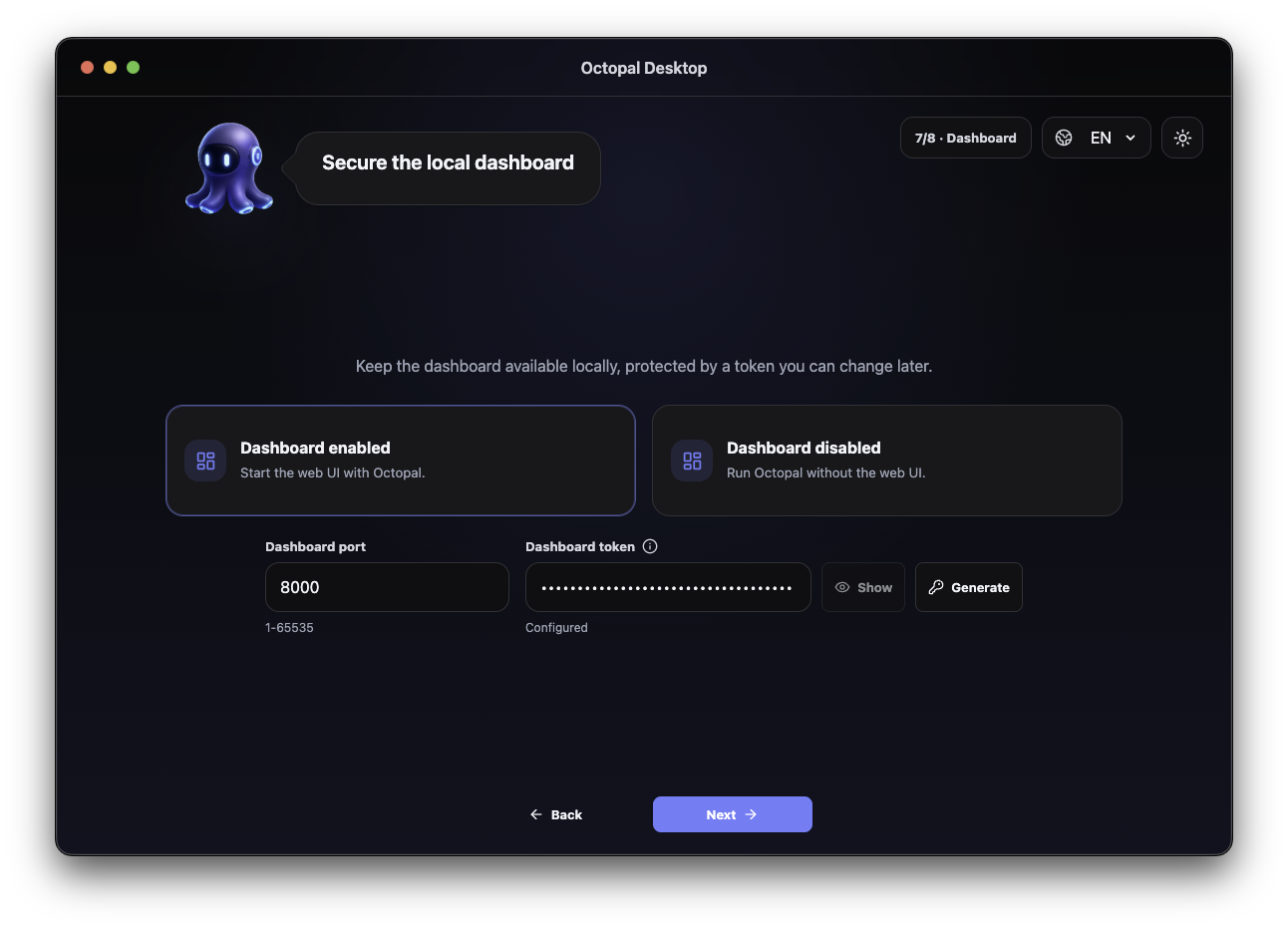
The desktop app helps you configure and launch Octopal without turning setup into a project of its own. It also gives you a convenient control panel for status, runtime settings, and everyday management.
For servers and users who want more control, or simply prefer working from the CLI, Octopal includes a practical configurator and a web dashboard. Telegram and WhatsApp stay available as communication channels wherever Octo is running.
Download the latest buildNot every job needs the same brain. Octopal supports cloud APIs, coding-plan subscriptions, OpenAI-compatible routes, and local models, so the coordinator can stay on the model you trust while workers use cheaper, faster, or more specialized options.
 OpenAI
  Anthropic
  Gemini
  Mistral AI
  OpenRouter
  Together AI
  Groq
Groq  Z.ai
Z.ai  Custom
 Start with the desktop app if you want to feel the shape of it quickly. Use the server install when you are ready for private services, VPS deployment, channels, schedules, and the parts that make Octopal less like an app and more like a resident operator.
Desktop app
Version 2026.06.11
Server install
$curl -fsSL https://raw.githubusercontent.com/pmbstyle/Octopal/main/scripts/octopal.sh | bashA local personal AI operator: it can live on your machine or VPS, talk through private channels, remember useful context, schedule work, use tools, and hand risky jobs to small isolated specialists.